See the full size photo
Instagram shows profile photos as small circles. Enter a public username and the tool shows the largest public version it can find.
View an Instagram profile picture in a larger, clearer format. Enter a username and check the available photo with Tokzoid.

An Instagram profile picture is usually a small circle beside a username. It helps you recognize accounts while scrolling, but the details are hard to make out.
Tokzoid’s viewer gives you a simple way to look at an available profile photo in a larger view. Enter a username and inspect the image.
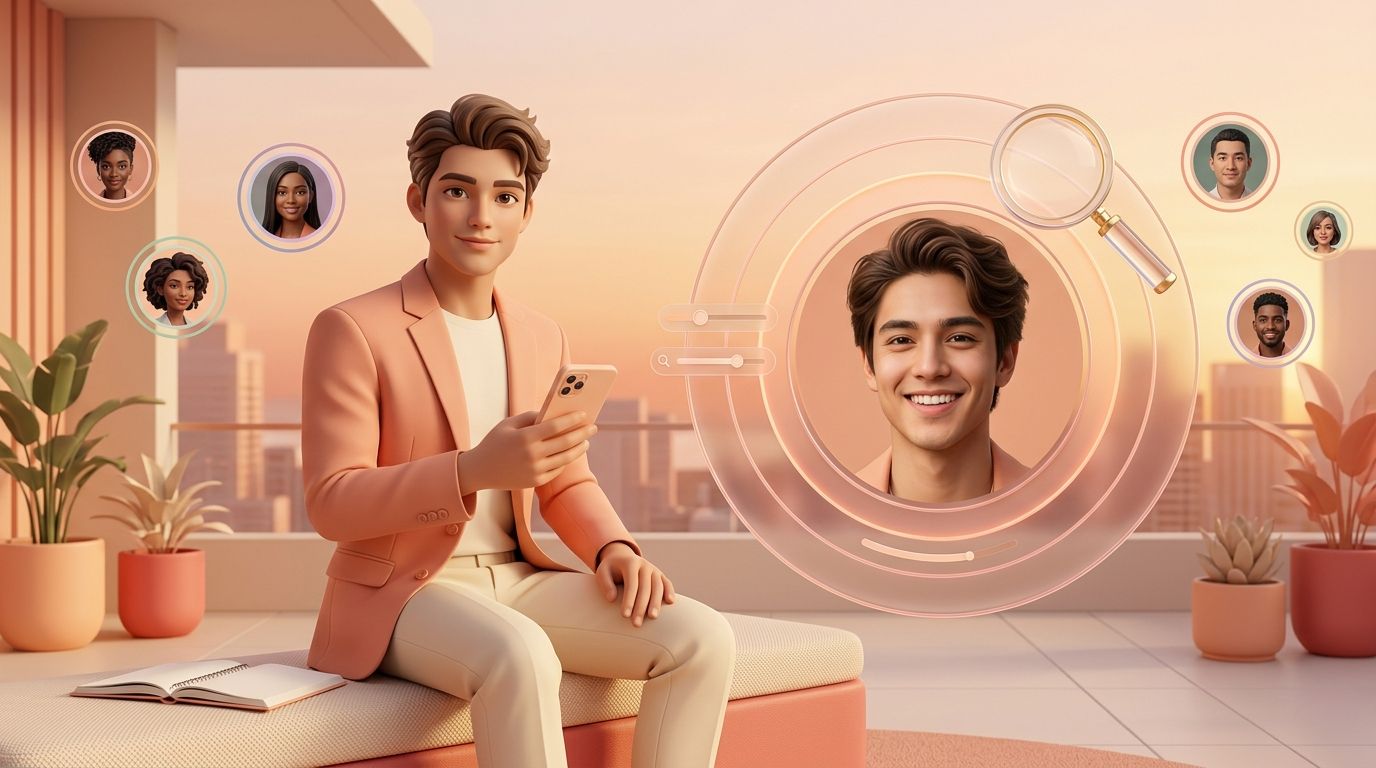
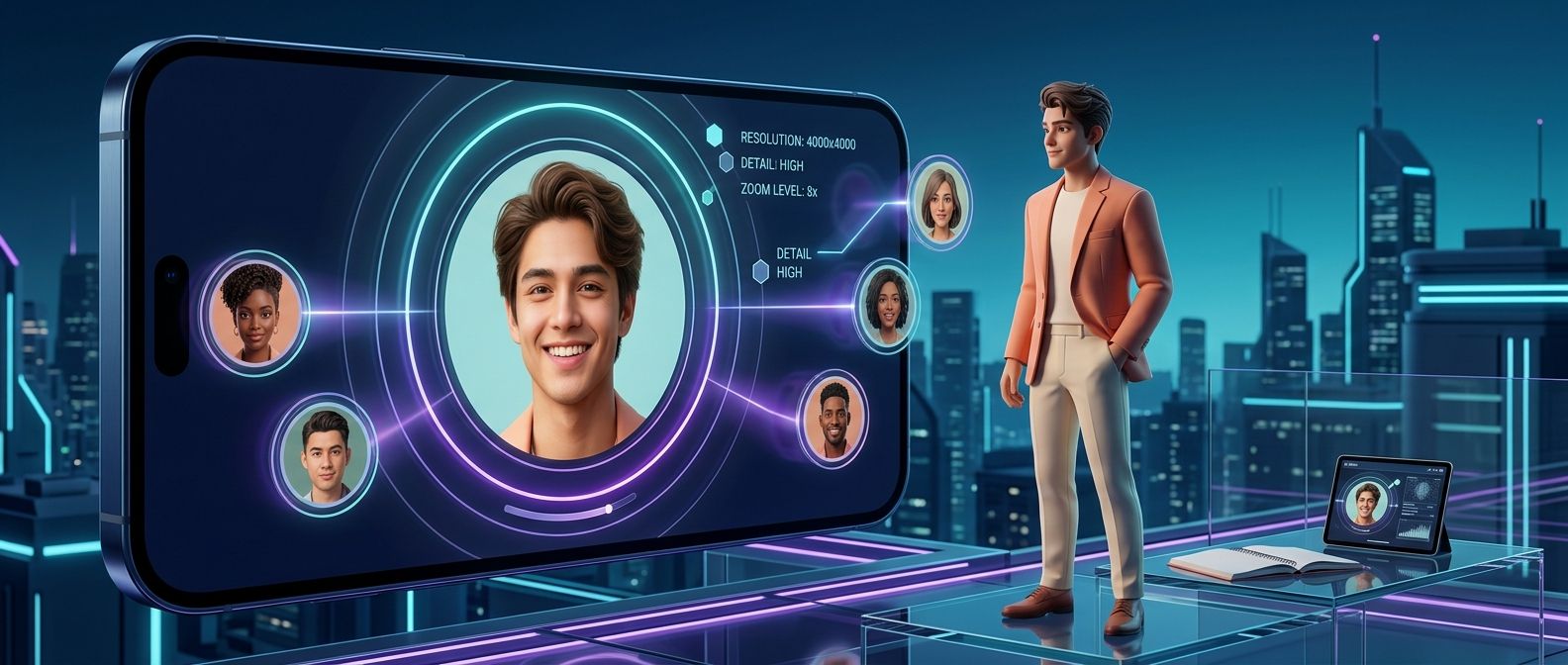
Profile photos are cropped into a small circle, so faces, logos and other details can be hard to recognize.
Tokzoid gives you a dedicated space to check the available image at a larger size.
A profile picture helps you recognize an account or a brand. A larger view makes those details easier to see.
Get a clearer look at a photo instead of relying on the small thumbnail.
A bigger image makes it easier to recognize accounts you already know.
Check the picture in a dedicated, larger viewing area.
A clearer image is useful in several everyday situations.
Check a profile when a username looks familiar but the thumbnail is hard to read.
Take a closer look when you are checking an unfamiliar account.
Check your own picture to see how Instagram displays it.
Your profile picture is one of the first things visitors notice. It sits inside a small circle, so positioning matters.
If your face or logo sits too close to the edge, it may be cropped in a way you did not expect.
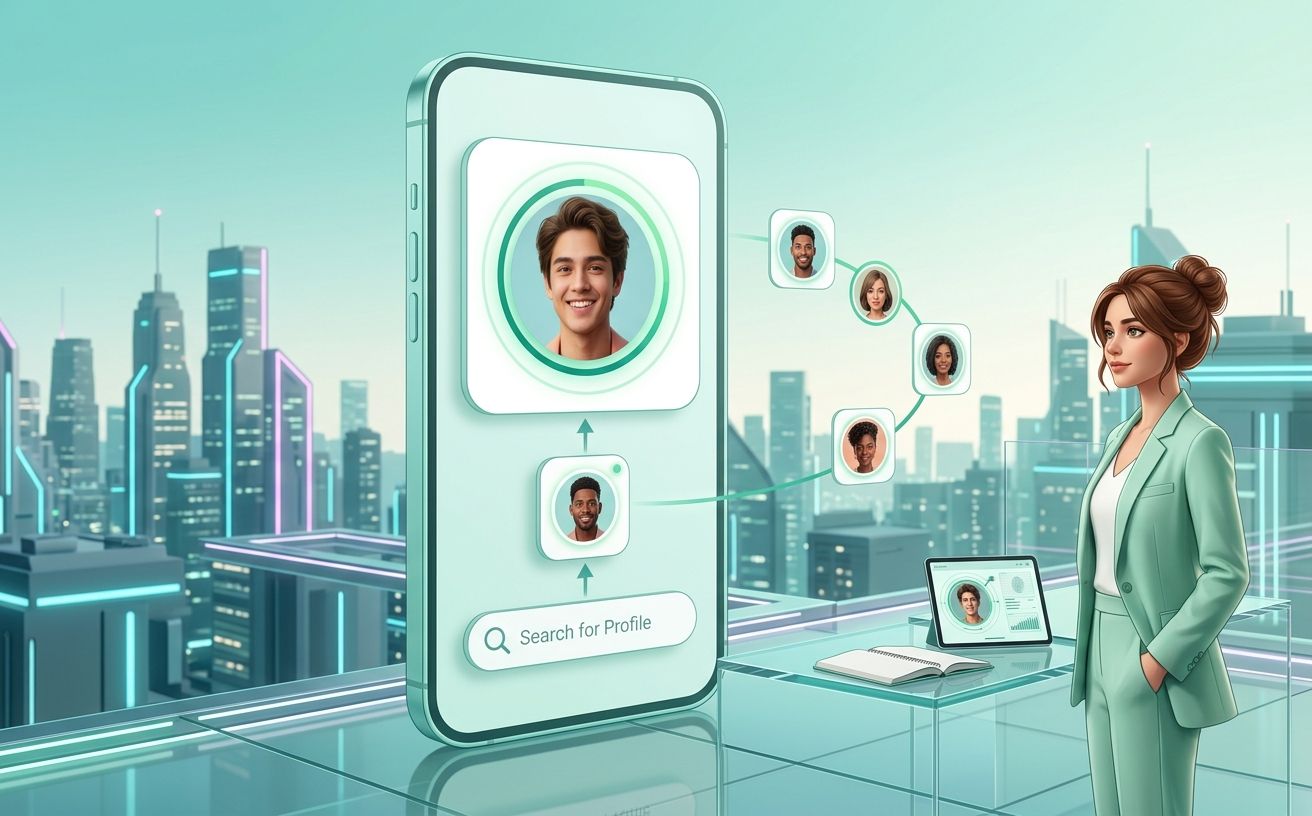
Profile pictures need to stay recognizable at small sizes, which is why clear details and sensible positioning matter.
A larger preview shows how the image looks and whether important parts are visible.
Higher quality source images usually look better at every size.
Keep faces, logos and key details in the central area of the image.
Viewing an image does not give you permission to reuse or publish it.
Check an available profile picture in a few steps.
Enter the username whose profile picture you want to check.
Press Check to look up the username.
When the picture is available, it appears in the result area.
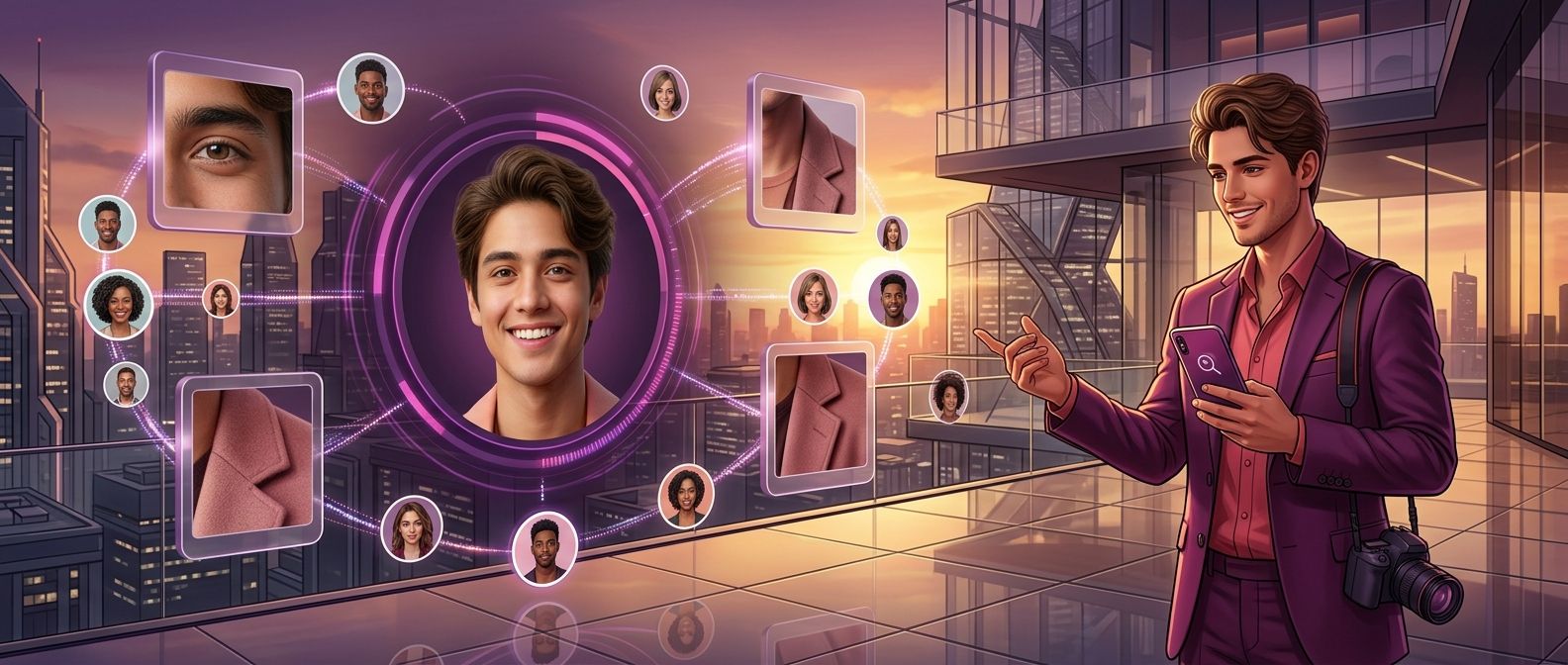
Once a picture has been retrieved, a larger version is easier to view and save than the small image inside Instagram.
If downloading is supported for the image, Tokzoid offers a download option so you can save it to your device.
Profile pictures are uploaded by real people, creators, brands and businesses, who may have rights over how the image is used.
Use the viewer to look at available profile images. Do not use it to copy, impersonate or profit from someone without permission.
Do not use the tool to bypass private account limits.
Get permission before reposting or using someone else’s image commercially.
Use saved images only for legitimate and appropriate purposes.
Enter a username and check the available profile picture with Tokzoid.
Instagram shows profile photos as small circles. Enter a public username and the tool shows the largest public version it can find.
Check your own photo, or confirm a brand account is using the right image. Respect the owner’s rights before you reuse someone else’s picture.
Pick a platform, choose a package and check out without sharing your password.